
Custom Parts& Consumables
Source replacement parts, nonstandard rollers, and process tooling for your PCB production line. Start with a machine model, part number, drawing, or sample.
Custom Parts for PCB Production Lines
Welleltron supplies parts and consumables for PCB wet processing, drilling and routing, V-scoring, and fixture positioning.
✓
Replacement PartsStart with the machine model and installed part reference.
✓
Nonstandard SizesSend the dimensions your assembly or line requires.
✓
Process ToolingIdentify the material, application, and features that control fit.
✓
Repeat OrdersUse the approved part reference and drawing revision.
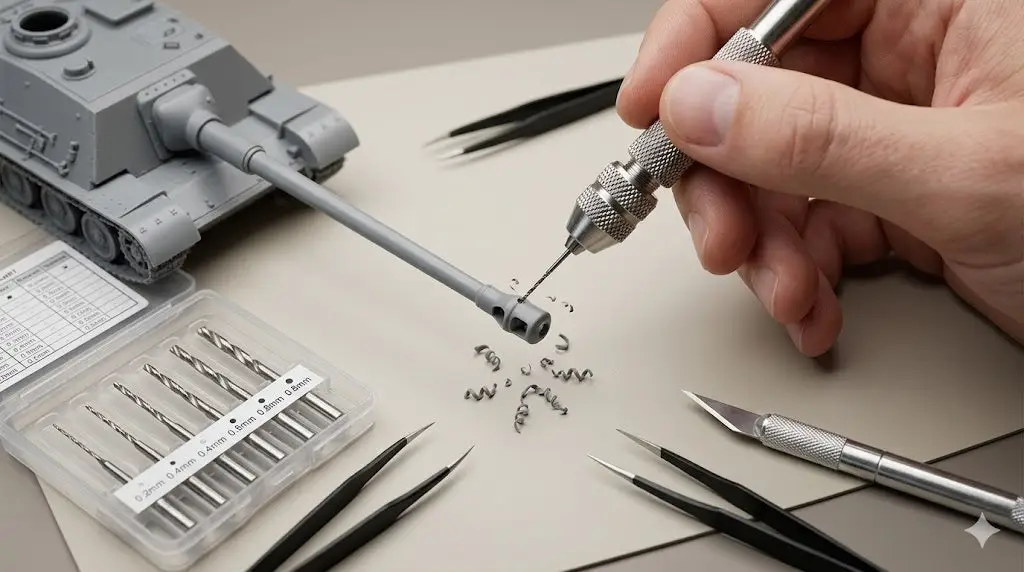
Replacement and Made-to-Order Parts
Choose the option that matches the information you have.
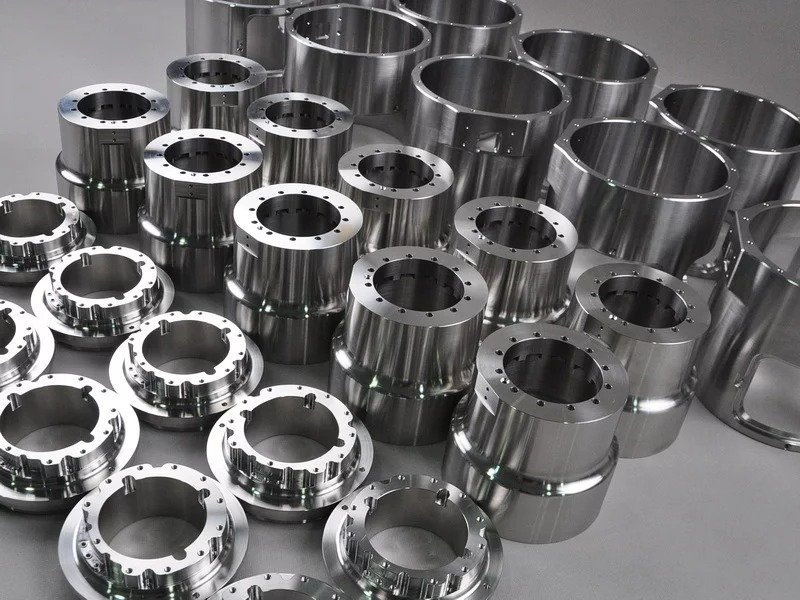
Match an Existing PCB Machine Part
Identify a worn part using the equipment model and existing part number. If the number is missing, share photos of the part and where it mounts.
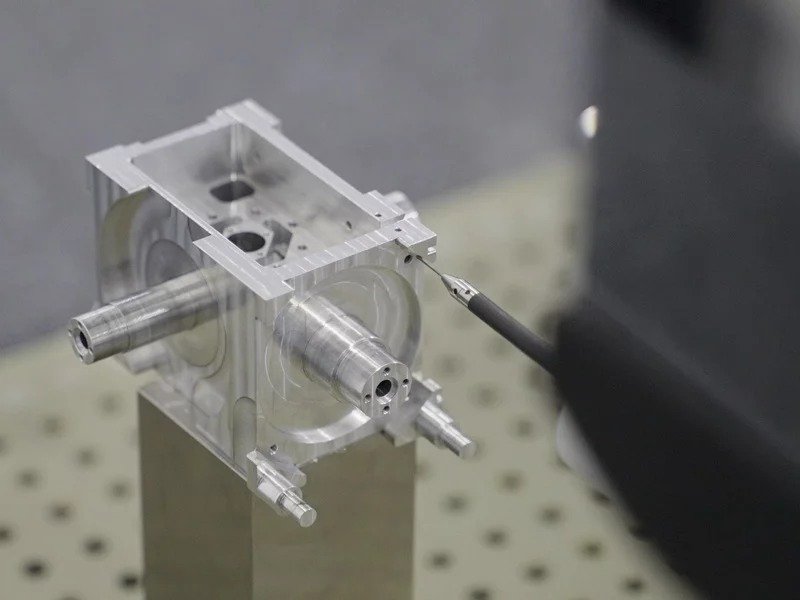
Specify a Nonstandard Part
Share the approved drawing or a sample reference so the required size, material, and interface can be reviewed.
Parts & Consumables by Process

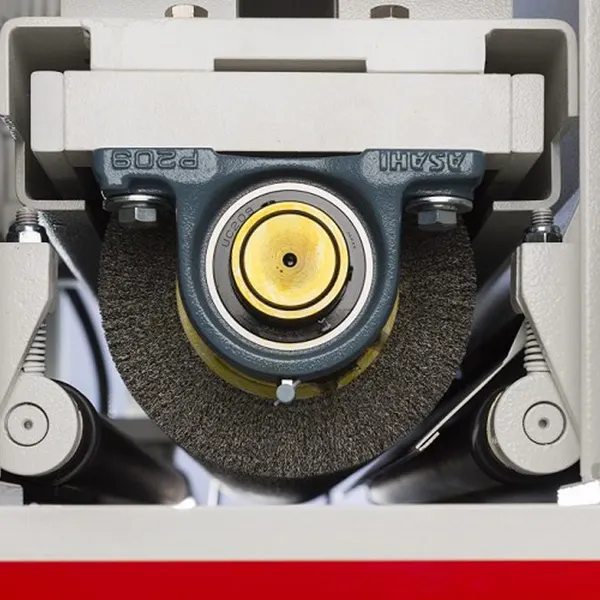
Cleaning Rollers & Brushes
Specify PVA sponge rollers and brushes for PCB wet cleaning or water removal.

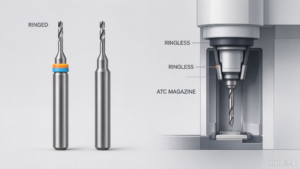
Drilling & Routing Machine Parts
Identify pressure foot components, collets, tool grippers, and related spares by equipment and part reference.
- Machine make and model
- Mounting interface and clearance
- Original part code where available
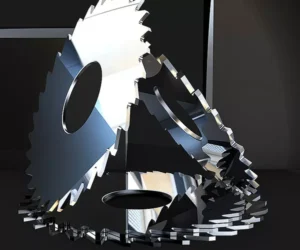
V-Scoring Blades
Use the machine and groove requirements to identify a suitable blade configuration.
- Outside diameter and bore
- Blade thickness and cutting profile
- Required groove angle
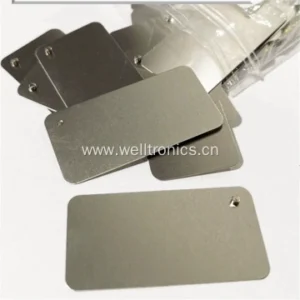
PCB Locating Pins
Specify how the pin locates the board and fits into the fixture.
- Locating diameter and engagement length
- Shoulder location and base geometry
- Mating hole dimensions
Materials & Part Construction
Provide the material callout from the drawing or describe where the part operates.
Sponge & Brush Materials
Select the contact material around the actual wet process. Include the cleaning chemistry, temperature, roller dimensions, and required tube or shaft interface in your inquiry.
Machine Components & Tooling
Specify the body material, contact surface, and required finish from the approved drawing. For cutting tools, identify the blade body and cutting edge separately.
Dimensions & Fit Requirements
Use the drawing or quotation to confirm the dimensions and tolerances that apply to the part.
| Rollers and brushes | Working and overall lengths, outside diameter, bore, tube or shaft details. |
|---|---|
| Machine spares | Mounting pattern, installed height, connection details, and operating clearance. |
| V-cut blades | Outside diameter, bore, thickness, and cutting angle or edge profile. |
| Locating pins | Locating diameter, engagement length, shoulder position, and mating hole dimensions. |
| Acceptance requirements | Drawing revision, critical tolerances, and any requested sample fit or inspection checks. |
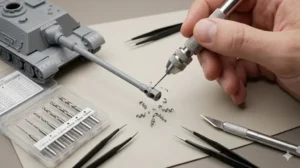
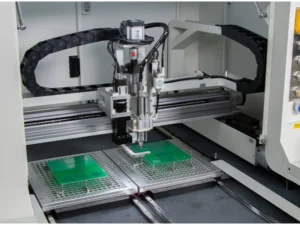
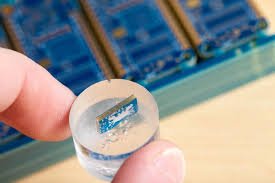
Part Configuration Options
Review the features to specify for each product family.
Specify the Roller and Core
State the working length, outside diameter, and whether the roller uses a tube. Include the bore and end details if the part mounts on a shaft.
Identify the Mounting Interface
Provide the machine model, installed orientation, mounting pattern, and a photo of the mating component.
Define the Blade Geometry
Include the outside diameter, bore, thickness, cutting angle, and original drawing or part reference.
Check the Pin and Mating Hole
Specify the pin profile, locating diameter, and engagement length. Include the mating hole size and fixture revision.
How to Specify a PCB Replacement Part
1. Capture the machine identification
Take a clear photo of the equipment nameplate and record the manufacturer, model, and revision when available.
2. Photograph the installed part
Show its mounting position and the features that contact the board or machine.
3. Mark the dimensions that control fit
Label bores, mounting faces, shoulders, and working widths. Flag measurements taken from worn surfaces.
4. Record the operating conditions
Identify the process and relevant exposure, such as cleaning chemistry, contact load, or the type of panel being scored.
5. Agree on how to check the replacement
Confirm the drawing revision and the dimensions or fit checks required for sample approval.
Support from Inquiry to Order
Inquiry
Send the equipment or drawing reference, quantity, and target delivery date.
Specification Review
Review the fit, material, and configuration against the application.
Quotation
Confirm the price, availability, lead time, and delivery terms for the agreed part.
Sample & Acceptance
Specify the samples and acceptance checks to include in the quote.
PCB Parts & Consumables Examples
PVA Sponge Roller for a Wet Process Line
Use this catalog example when planning a replacement roller. Compare the sponge working length, outside diameter, and tube or shaft interface with the installed part.
Pressure Foot Cup for a PCB Drilling Machine
Use this product example to identify the part family. Include the machine model and show the mounting points and available clearance when requesting a replacement.
Custom Parts & Consumables FAQs
Can I request a replacement without a drawing?
Send the equipment nameplate, photos of the part and its mounting position, and the dimensions you can verify.
Can I request a nonstandard PVA roller size?
Send the working length, outside diameter, and core or shaft dimensions. Include the application and quantity for review.
Can I request a sample before a repeat order?
Include the sample quantity and approval criteria. Confirm sample availability, cost, and timing in the quotation.
What should I send for a quote?
Provide a drawing, part number, or clear photos, plus the application, quantity, target delivery date, and any acceptance requirements.
What determines lead time?
Availability, material, part geometry, order quantity, and sample approval can affect the schedule. Ask for lead time on the configuration you plan to order.
Request a Quote for Your PCB Part
Send your machine model, part photos or drawing, and the quantity you need.